ShopDreamUp AI ArtDreamUp




Description
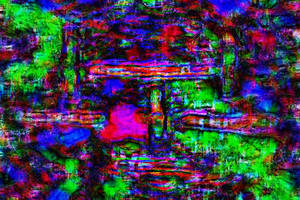
Pickin dim 3 a.k.a. Superscope madness is finaly here. as i said I am publishing this from my friends place. And I miss devart and all you avs makeing dudes a lot. I still need to make the instaler for the [link] realese so if you think anithing should be fixed please tell me so I can fix it before that.
anyway enjoy PD...
C ya
-----------------------------
made the instaler (suports winamp 2 and 3) and a screenshot
anyway enjoy PD...
C ya
-----------------------------
made the instaler (suports winamp 2 and 3) and a screenshot
© 2002 - 2024 fsk
Comments35
Join the community to add your comment. Already a deviant? Log In

lol nvm i didnt read the one b4 with pheonix lol its awesome i luv molehole but it keps changing between different 1ns and it only stays for about 5 seconds how do u stop it??